Give the identity room
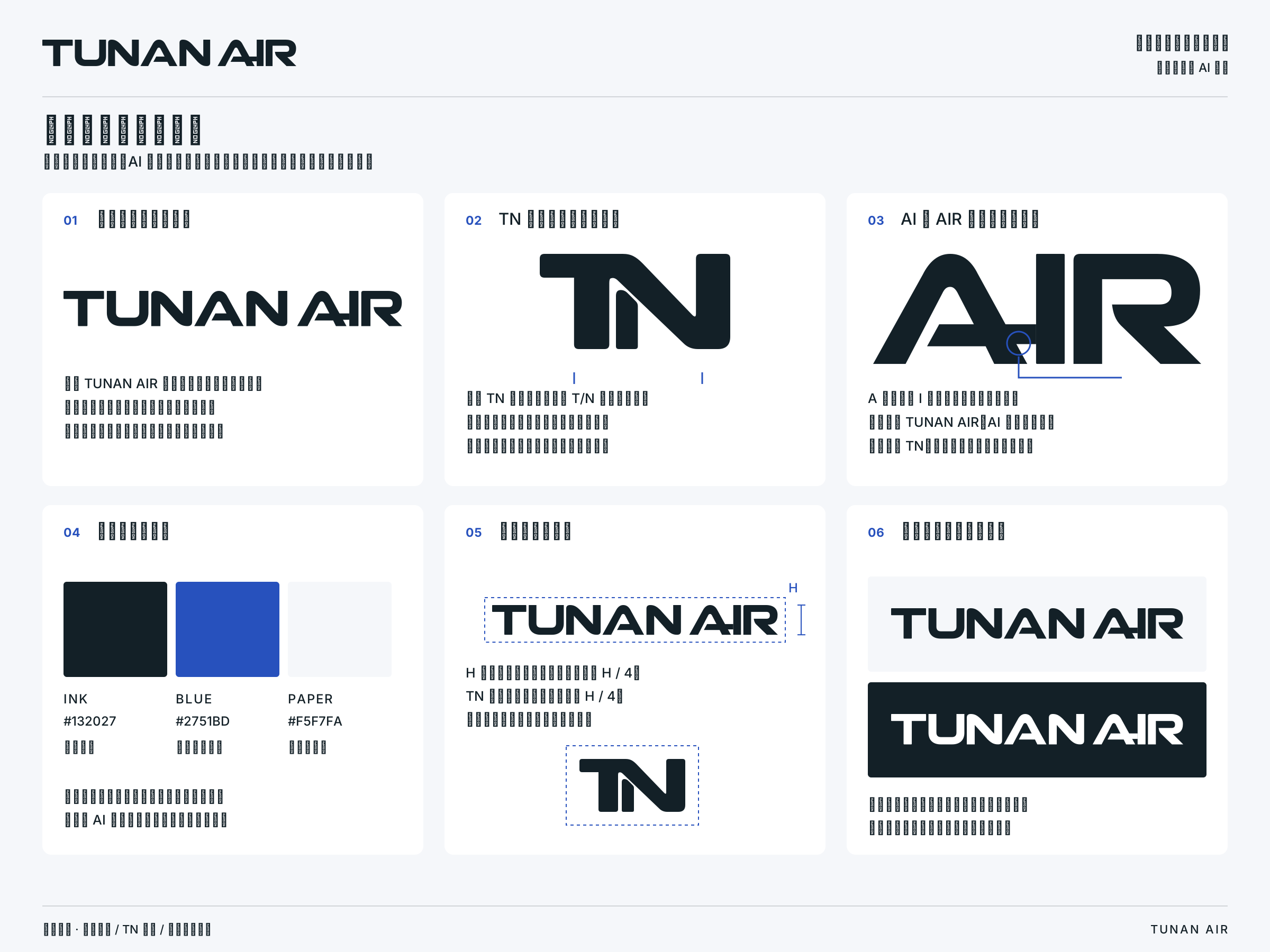
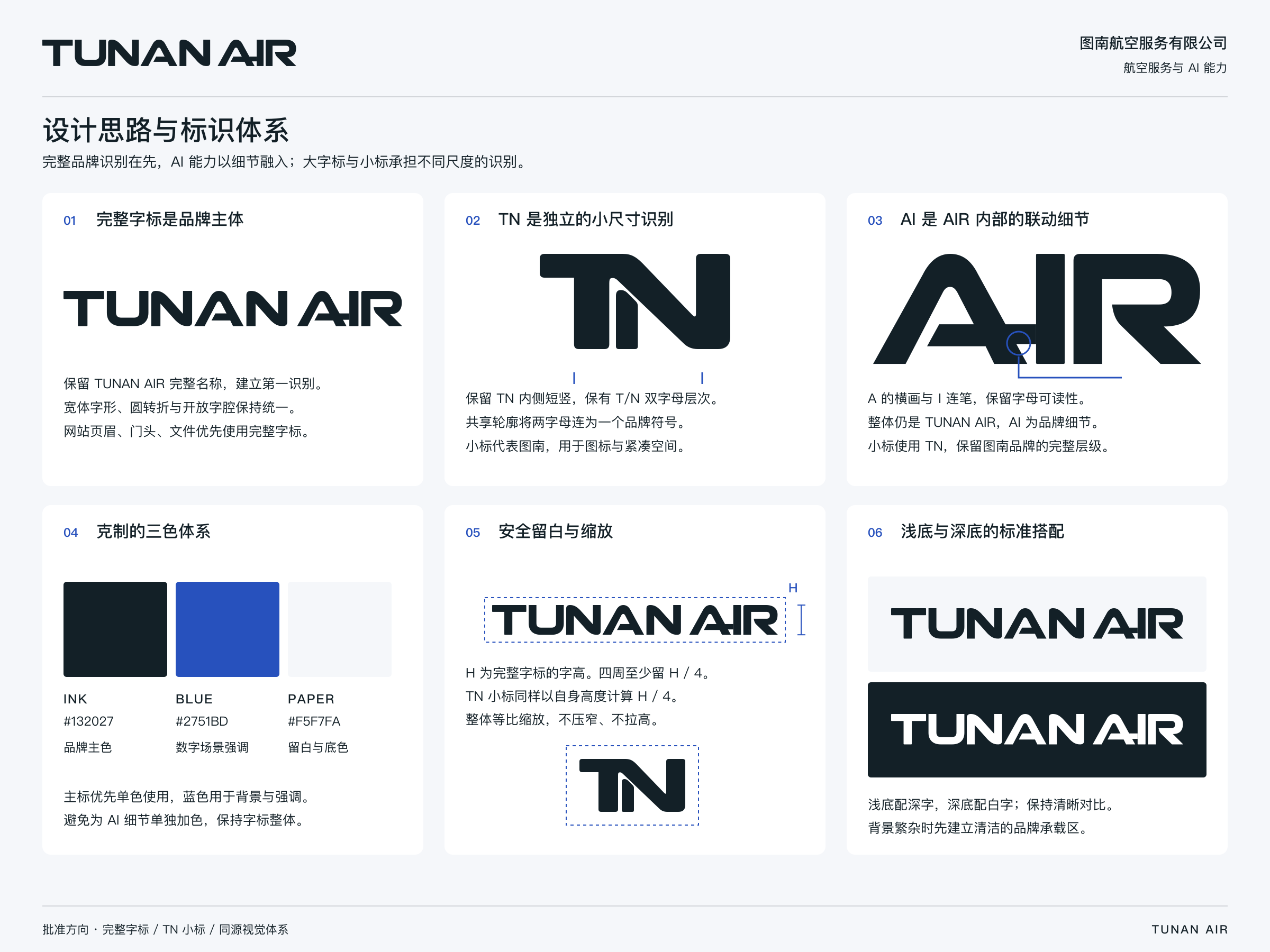
Files with “safe” in the name include clear space. Add sufficient room around tightly cropped versions when placing them in a layout.
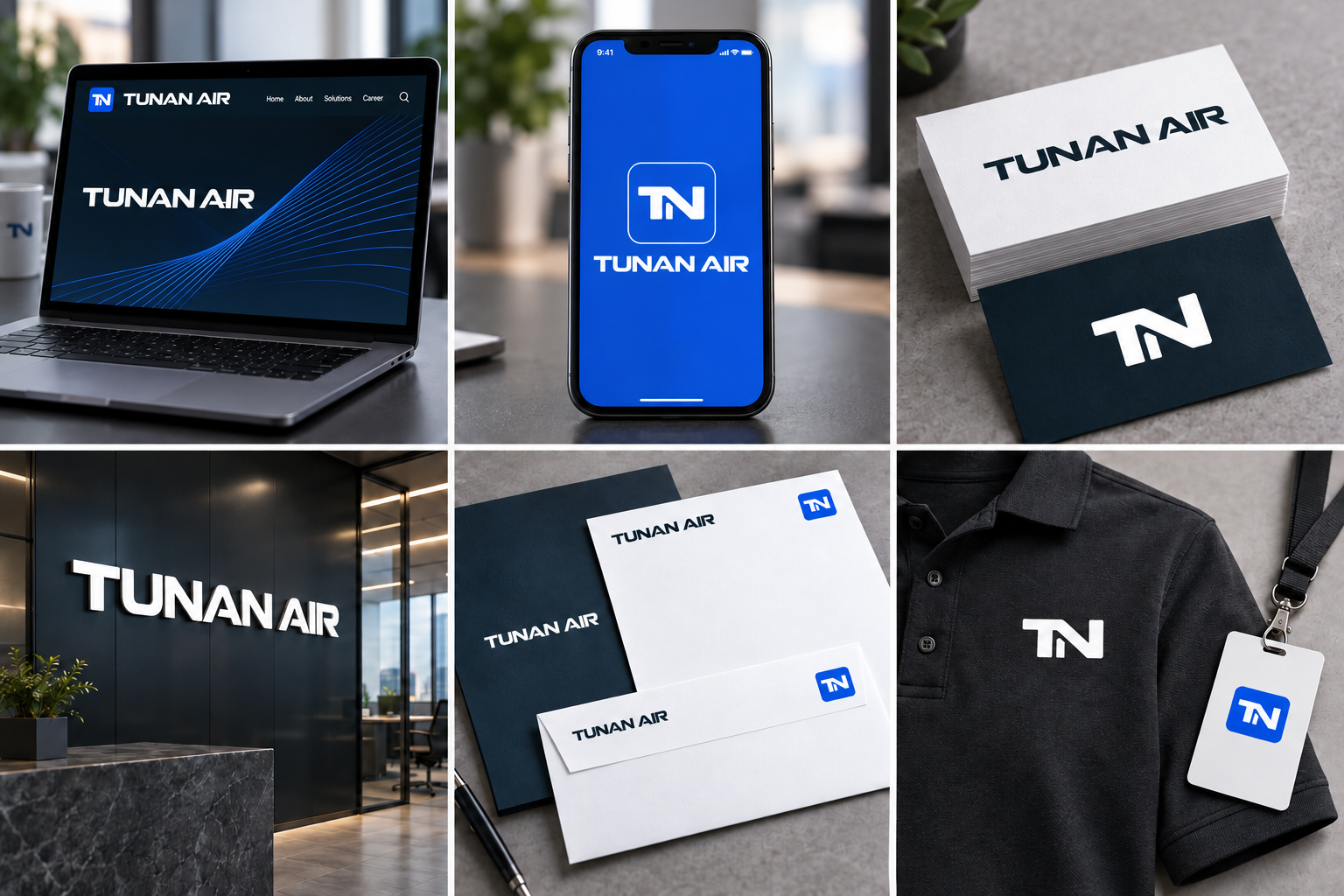
Make every application recognisably TUNANAIR. Start with the fundamentals.
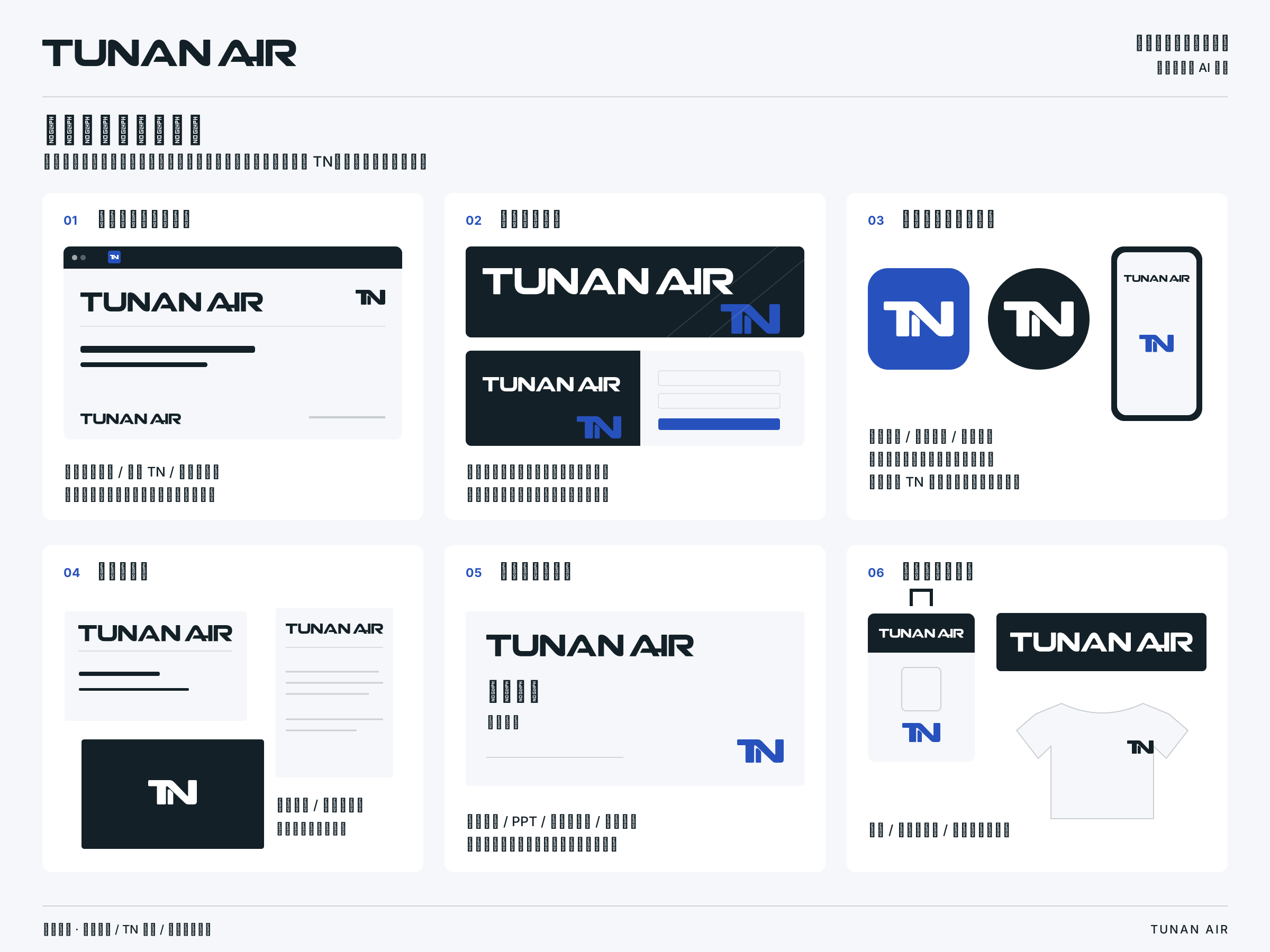
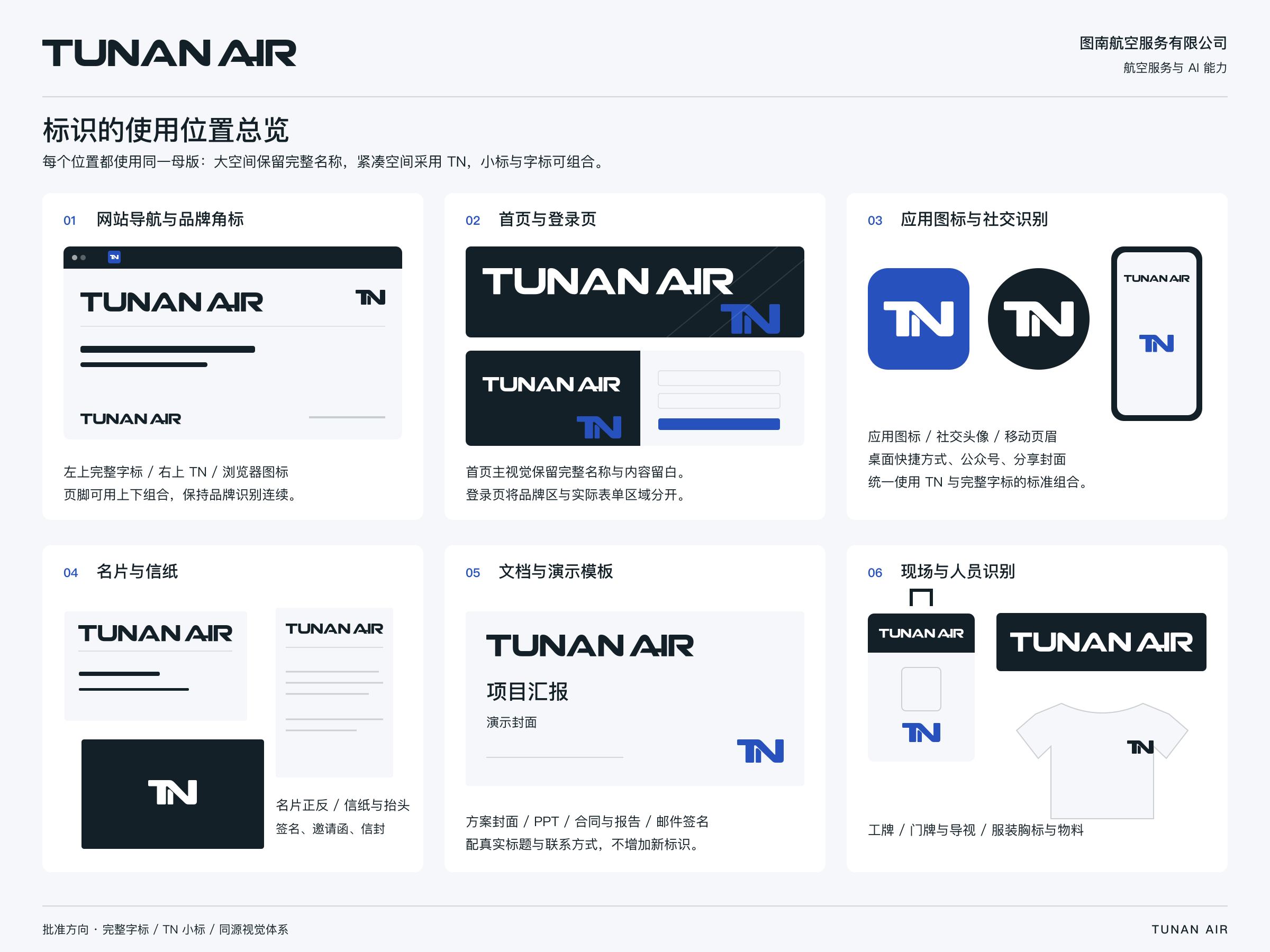
Use the full wordmark where space allows and the TN symbol in compact applications. Choose a supplied horizontal or stacked lockup when both appear together.
Find your logo

Original proportions · Scale uniformly
Files with “safe” in the name include clear space. Add sufficient room around tightly cropped versions when placing them in a layout.
Use ink or blue on light backgrounds and white on dark backgrounds. Do not distort the identity, recolor it or add decorative effects.
Choose SVG for vector editing and scaling; PNG for everyday use. Print artwork is RGB. Presentation layouts are SVG / PNG artwork, not PPTX files.